01 / TED XIONG
Hi, I’m Ted.
Making complex
technology useful
in everyday life.
I work on automotive digital-key products and delivery, and build my own tools with AI.
Start exploring02 / WEREAD NOTES
Available onlineBring your WeRead notes into your knowledge base.
Revisit highlights by chapter, export Markdown, and keep writing.
Open WeRead NotesRequires your own API Key. Uses the official read-only API; no server-side copy of reading data. Independent of WeRead.
Learn more
Filter your library, review chapter notes and explore reading statistics. No separate account; you authorize access to your data.
View source ↗Read the walkthrough
- Connect with your WeRead API Key.
- Choose a book and review notes by chapter.
- Copy or download Markdown; explore reading statistics.
03 / CLICKASK
Online alphaPoint to the page. Make your question clear.
Combine page context and your question into a prompt for AI.
Open ClickAsk ↗A browser bookmarklet; no automatic model calls. Some pages restrict it.
Learn more
Install the bookmarklet from the product page. Select an element on a webpage, add your question, then copy the prompt into your AI tool.
View source ↗04 / ALERTBRIDGE
Public source · v0.3.1One notification entry point for your tools.
Receive events, manage the queue, and deliver to your chosen channels.
- Feishu
- Telegram
- ntfy
Self-hosting and channel configuration required.
Learn more
Go and SQLite for individuals, small teams and single-node deployments. Supports routing, deduplication, silence rules, persistent queues and retries.
View release ↗05 / RecallLens
Local workspace · In developmentSee what your AI remembers.
Trace local Codex and project memories to their sources. Preview a diff, then confirm the correction yourself.
No public download yet
Runs locally. Optional AI assistance sends redacted content through your current Codex service. AI does not write to memory directly.
Learn more
A Mac workspace supports search, source tracing and diff review. Writing stops if a source changes. A governance record is not proof that Codex has integrated a correction. Does not manage ChatGPT cloud memory.
Trace the evidence
Review the context
Preview a diff → Confirm
06 / ABOUT TED
A product builder exploring AI.
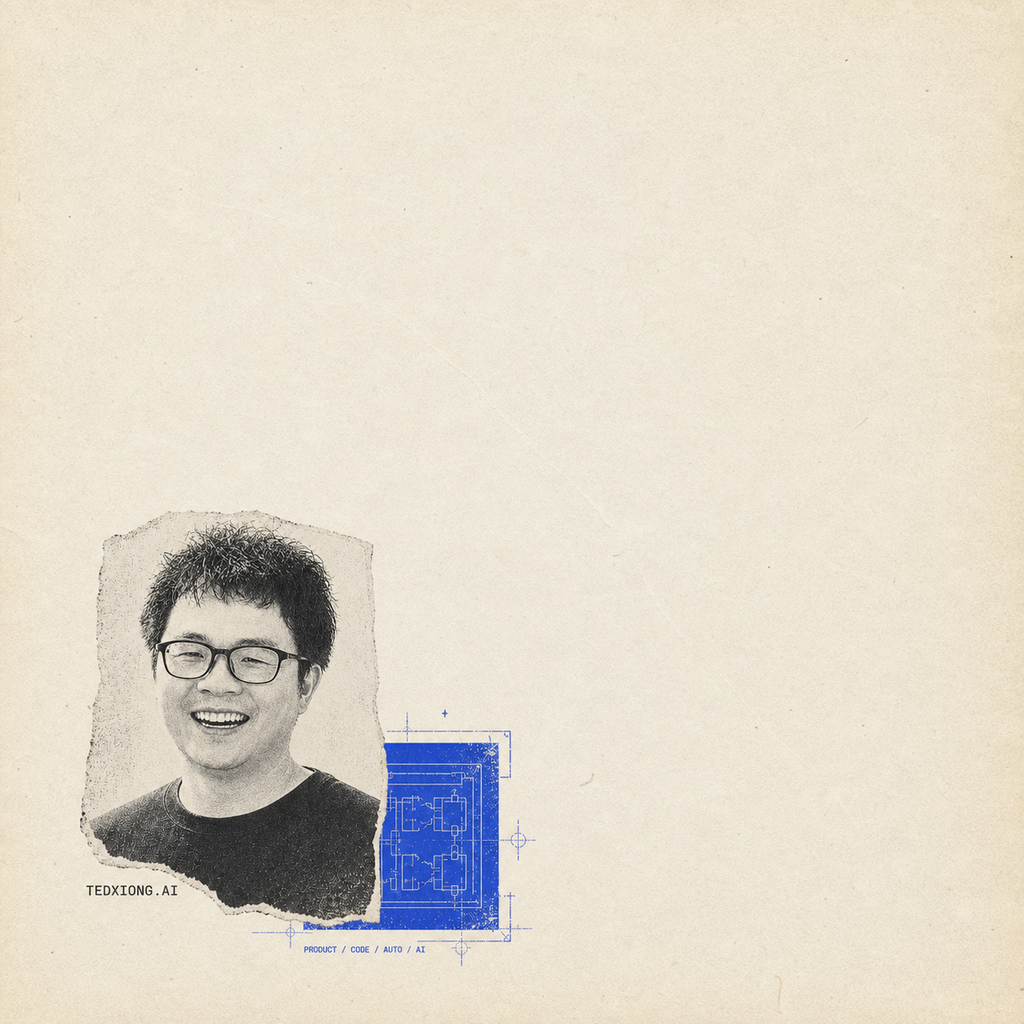
I’m Ted, also known as Xiong Ge. I’ve spent 15 years in product development, including 7 in the automotive industry, as a programmer, project manager and product lead. Today, I’m exploring how AI can change the way we work and live.
About Xiong Ge Explores AI
熊哥玩AI is where I share my experiments with AI and what I learn along the way. I hope they help you avoid a few pitfalls and build something useful. Let’s compare notes and learn together.
- 01Building with AI
- Developing products, coding with AI, and documenting the journey from idea to launch.
- 02Automation and useful tools
- Bringing AI into everyday workflows and sharing lessons from hands-on use.
- 03Personal knowledge
- Organizing knowledge and tracing memories so what we learn stays useful.
07 / GET IN TOUCH
What’s on your mind?
- GitHub
- @xiongwei-git